On the nightstand
At night the screen shows the galaxy above a dark planet and a large clock that you can dim, down to black. A minute before the alarm the sky fades in. The screen stays on only while this view is open.
Utilities
iPhone & iPad
Dream Alarm is an alarm clock for the nightstand. At night the screen shows a band of the galaxy with its nebulae above a dark planet, and a large clock that you can dim in three steps. When the alarm rings with the app open, the sun comes up over the planet while your music plays. When the song starts again, the view draws back until the whole planet is in sight.
Free · one-time purchase “All of Dream Alarm” €3.99 · no subscription
Requires iOS 26.1
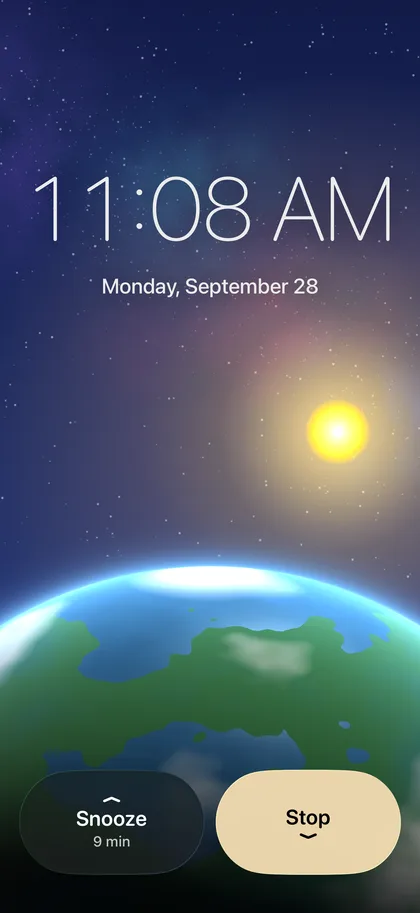
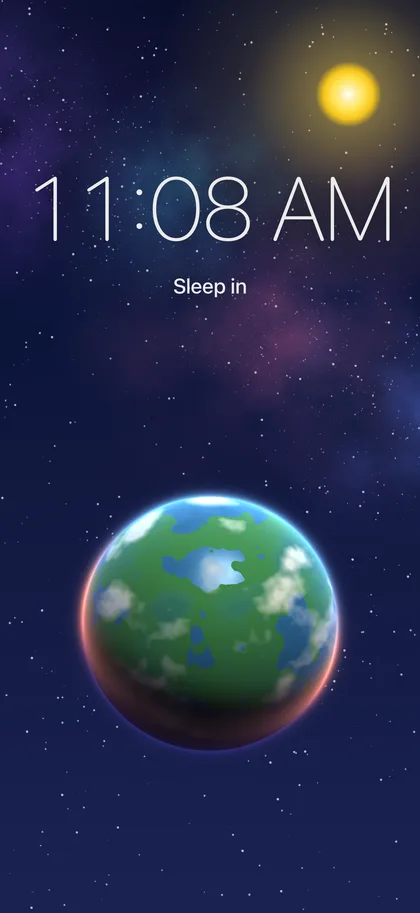
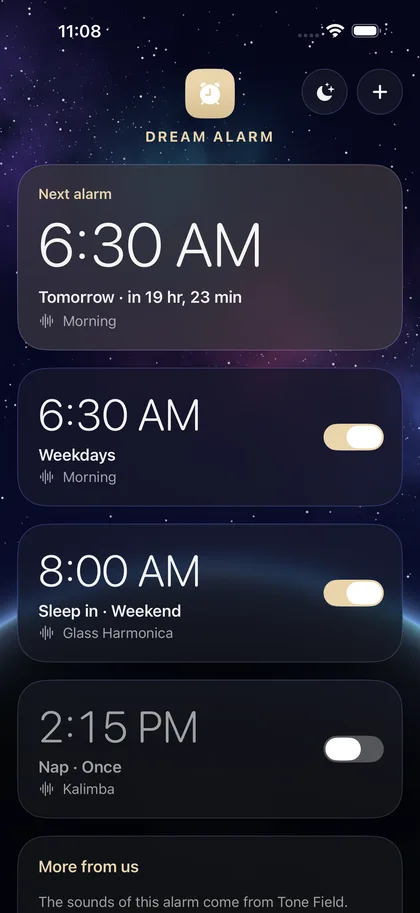
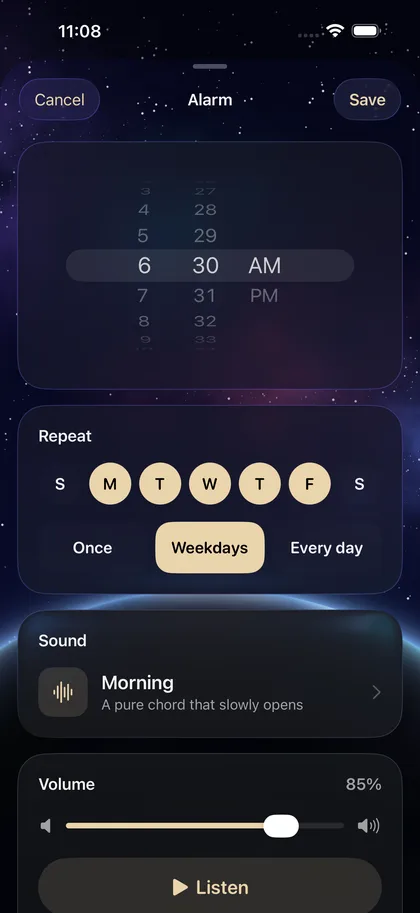
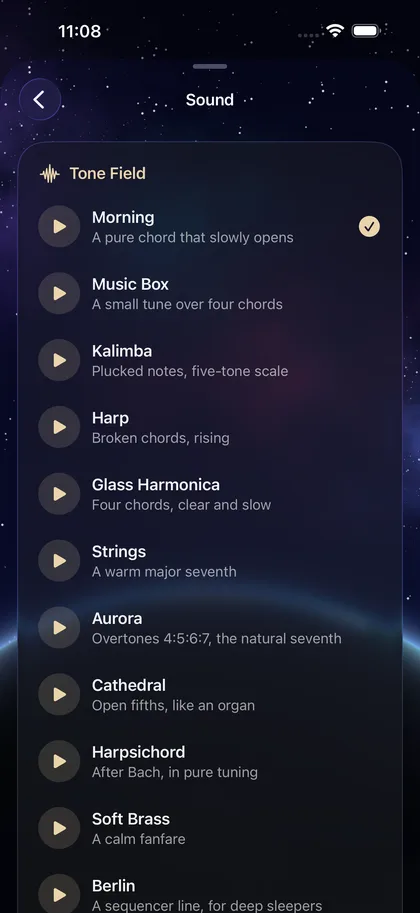
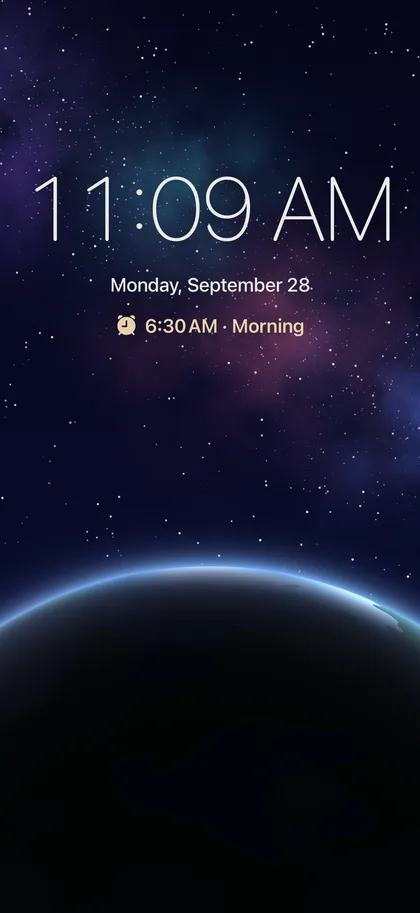
At night the screen shows the galaxy above a dark planet and a large clock that you can dim, down to black. A minute before the alarm the sky fades in. The screen stays on only while this view is open.
When the alarm rings with the app open, your song plays in full and the sun comes up over the planet for as long as the song lasts. Then the view draws back until the whole planet is in sight.
Alarms are set with the system's AlarmKit and ring like the built-in alarm, also on silent or in a Focus, with your sound or your song.
The iPhone's own volume still applies. An app cannot change it.
€0
Three alarms and three sounds, with the whole nightstand and sunrise.
The free version can be used without a time limit.
€3.99
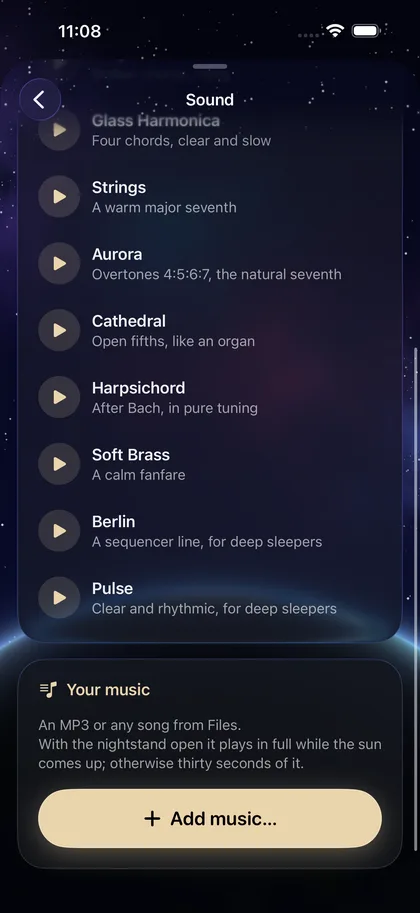
All twelve sounds, your own music and as many alarms as you like.
Pay once, use it for good. No subscription.
The app collects no data. Everything you open or create stays on your device until you share it yourself.
Alarms: Dream Alarm asks once whether it may set alarms (AlarmKit). Without that permission no alarm can ring.
Files: A song you add is copied into the app and stays on the device. Nothing is uploaded.
The sunrise comes when the app is open on the nightstand as the alarm rings. With the app closed or the iPhone locked, iOS rings the alarm itself and shows its own alarm screen. Open the nightstand view before you sleep.
No app can change the iPhone's volume. Set the level of each alarm in the app; the nightstand view shows a note when the iPhone's volume is low.
Swipe down to stop and up to snooze. The buttons can be switched on again for each alarm under “While waking”.
Tap “Restore purchase” on the purchase card in the app. A one-time purchase is tied to your Apple account and does not have to be paid for again.