Checking the PA before doors open
Use sine and noise, left and right separately, to find a dead channel, a faulty cable or speakers that have been swapped. The signal fades in softly and stops as soon as a cable is pulled.

Music
iPhone & iPad
PA Check is a signal generator and analyser for the soundcheck. Its two large dials for frequency and level can be used with one hand. Changes take effect at once and without clicks.
Free · one-time purchase “Analyser and Sweep” €4.99 · no subscription
Requires iOS 18.0
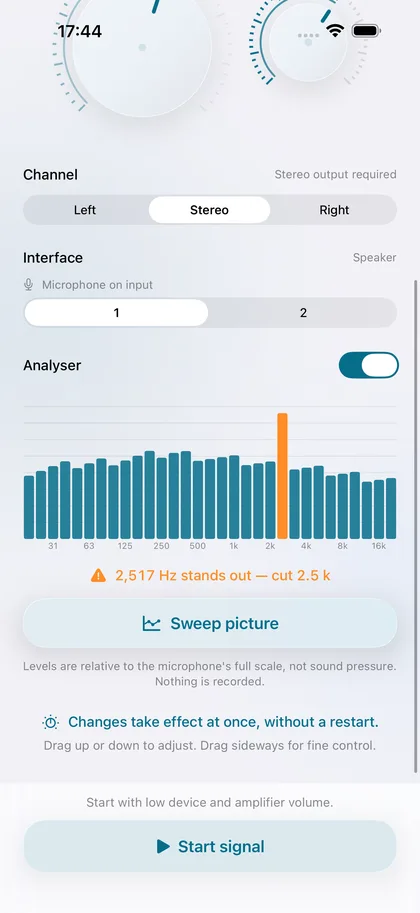
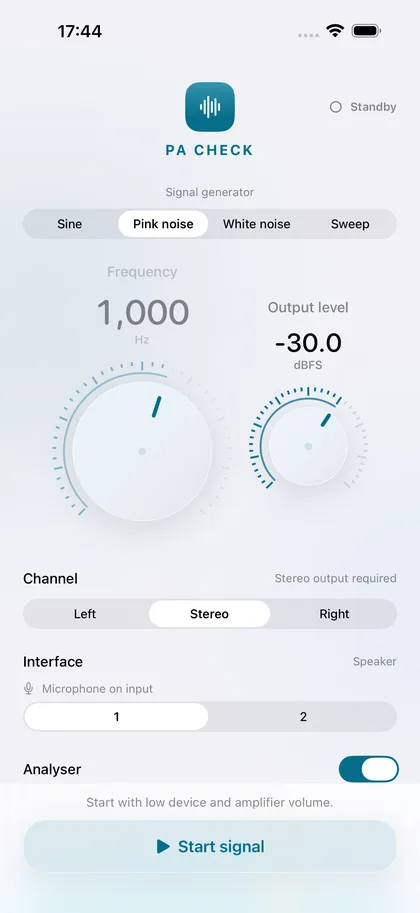
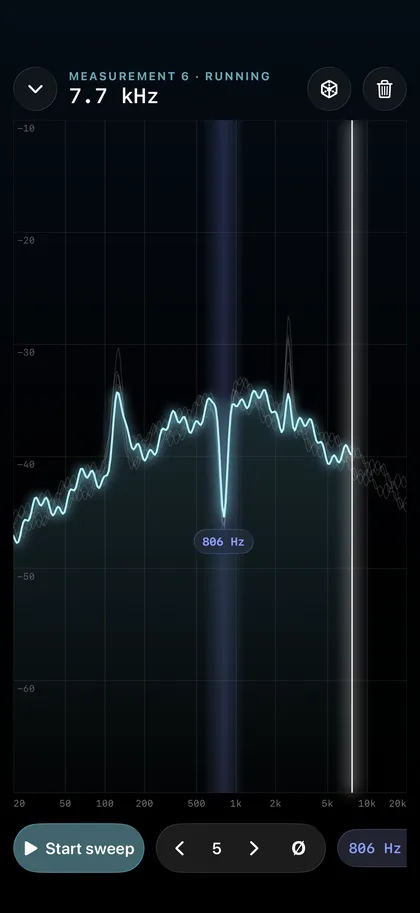
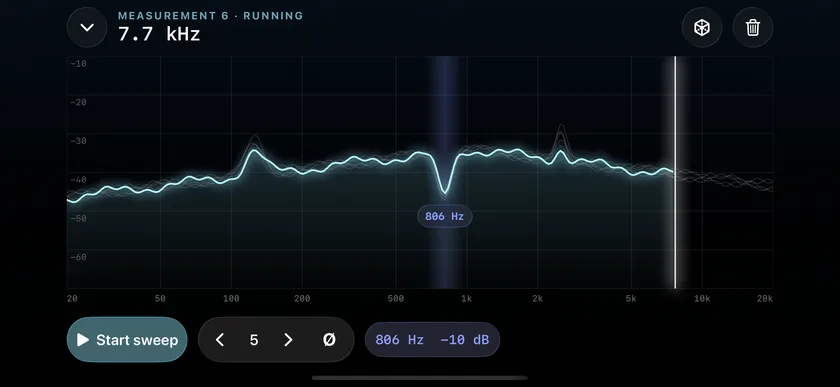
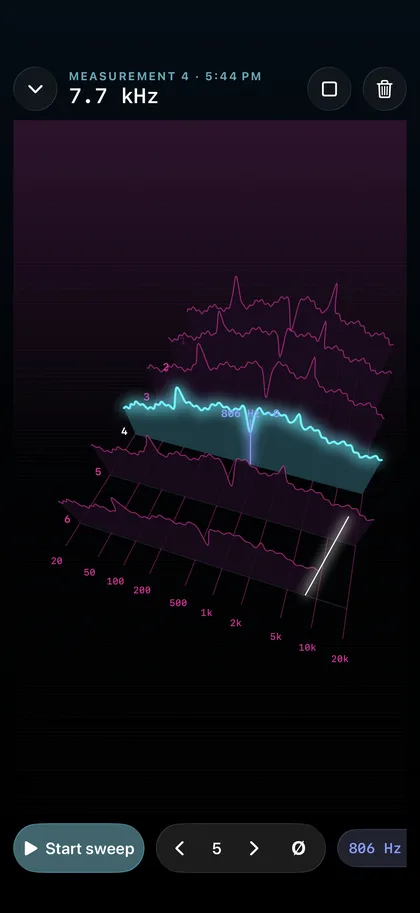
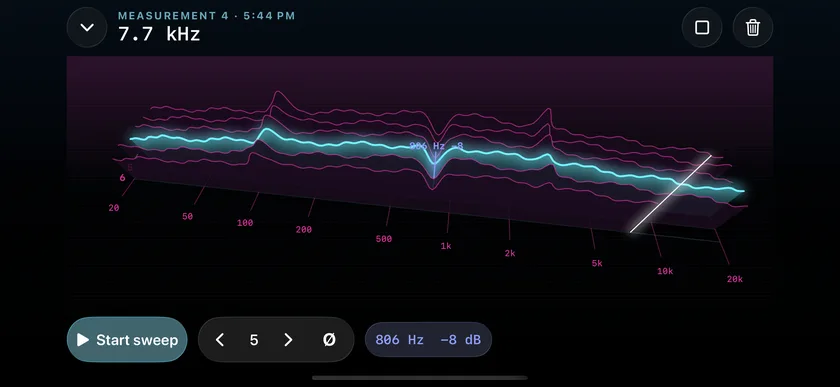
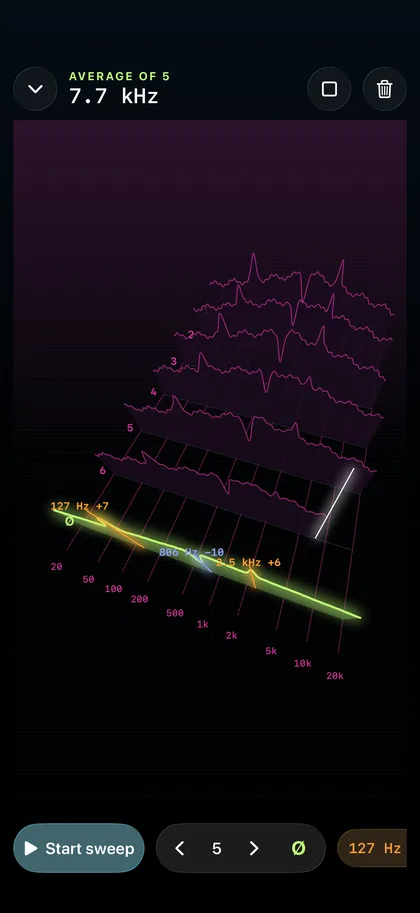
Use sine and noise, left and right separately, to find a dead channel, a faulty cable or speakers that have been swapped. The signal fades in softly and stops as soon as a cable is pulled.
When a monitor starts to ring, the feedback finder shows the frequency in hertz and the matching third-octave band on a graphic equaliser.
With pink noise you read the frequency response across 31 third-octave bands. The sweep draws the curve and marks peaks and dips. Several measurements can be compared and averaged, also with a measurement microphone on an audio interface.
€0
€4.99
Note: an iPhone microphone is not calibrated. Levels are relative to the microphone's full scale, not to actual sound pressure. Nothing is recorded.
The app collects no data. Everything you open or create stays on your device until you share it yourself.
Microphone: Used only while the analyser is switched on. The sound is analysed in memory; nothing is recorded, stored or sent.
No. A phone microphone is not a measurement microphone, and levels are relative to its full scale. The analyser is meant for the shape of the curve and for finding the frequency of feedback.
Quietly. Test signals can damage speakers and hearing. The app fades the signal in and limits the level to −12 dBFS. Turn the PA up slowly.
Tap “Restore purchase” on the purchase card in the app. A one-time purchase is tied to your Apple account and does not have to be paid for again.