Talks and conferences
Put the iPhone or iPad on the lectern or at the edge of the stage. The colour of the screen tells you where you stand without reading the digits: amber shortly before the end, red once your time is up.

Productivity
iPhone & iPad
Stage Timer shows you how much time you have left on stage. The digits fill the whole screen, so you can read them from a few metres away: at a lectern, at the edge of the stage or behind the decks.
Free · one-time purchase “Your Own Times” €2.99 · no subscription
Requires iOS 18.0
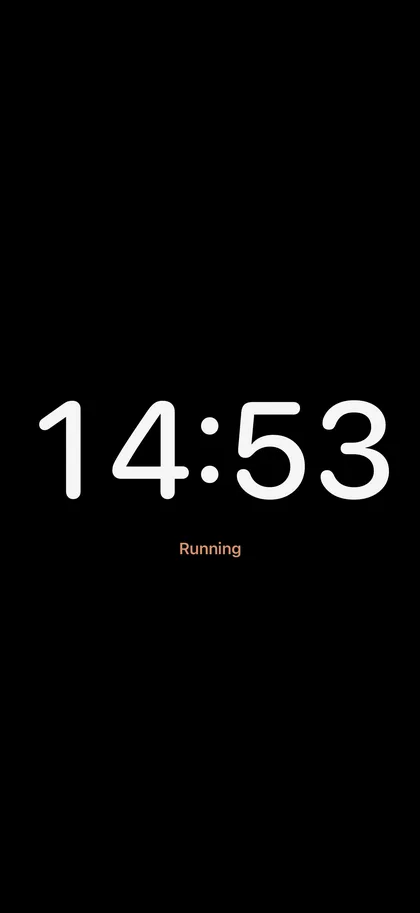
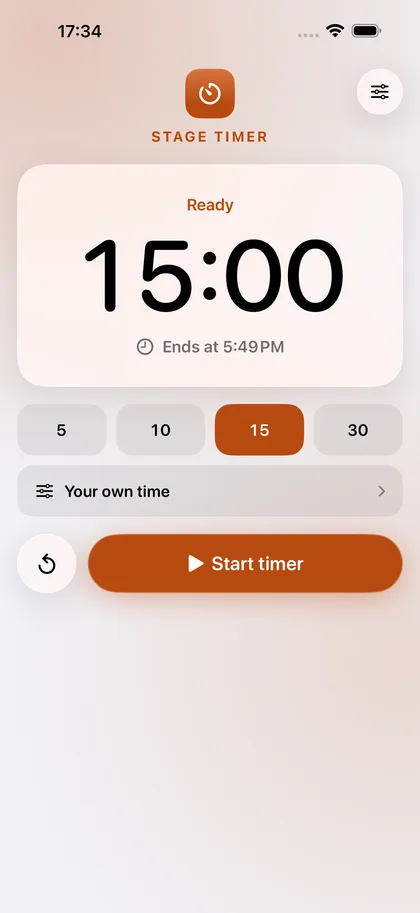
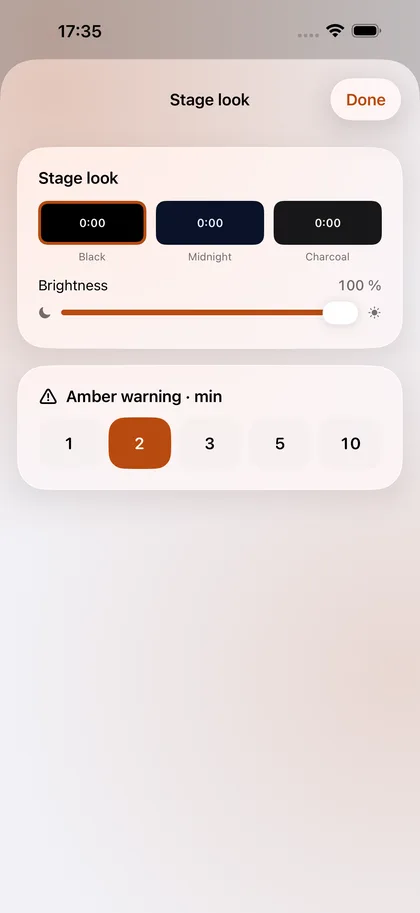
Put the iPhone or iPad on the lectern or at the edge of the stage. The colour of the screen tells you where you stand without reading the digits: amber shortly before the end, red once your time is up.
Festival and club slots end on the minute. Besides the time left, you see the time of day at which your slot ends. The dark backgrounds do not light up the booth.
Panel discussions, pitches, oral exams or band rehearsals: 5, 10, 15 or 30 minutes are set with two taps. The timer stays correct after a phone call or a restart of the device.
€0
Countdowns of 5, 10, 15 and 30 minutes, with all the features listed above.
The free version can be used without a time limit.
€2.99
Any length from 10 seconds to 10 hours, to the second, and a warning time of your choice.
Pay once, use it for good. No subscription.
The app collects no data. Everything you open or create stays on your device until you share it yourself.
The app needs no permissions.
Yes. The app remembers the end time, so the display is correct when you open it again, even after the iPhone has restarted. There is no sound and no notification at the end; the red screen is the signal.
They are hidden while the countdown runs so that nothing gets triggered by accident. Tap the screen once and they come back.
Tap “Restore purchase” on the purchase card in the app. A one-time purchase is tied to your Apple account and does not have to be paid for again.