School, club, nursery
Not all parents have agreed to a group photo being published. Hide Faces covers all faces, and you make visible again only those whose consent you have.

Photo & Video
iPhone & iPad
A class photo, a demonstration, a street scene or your own children in the family chat: not everyone wants to be recognisable in a shared photo. Hide Faces detects the faces and makes them unrecognisable before the photo leaves your iPhone.
Free · one-time purchase “Unlimited” €2.99 · no subscription
Requires iOS 18.0
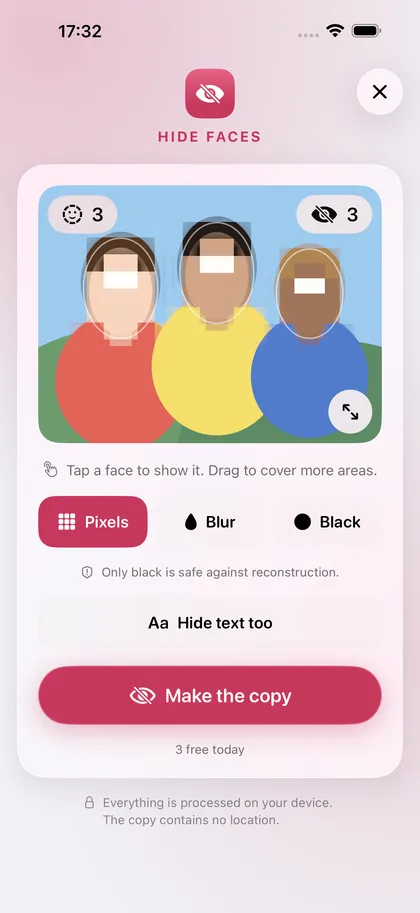
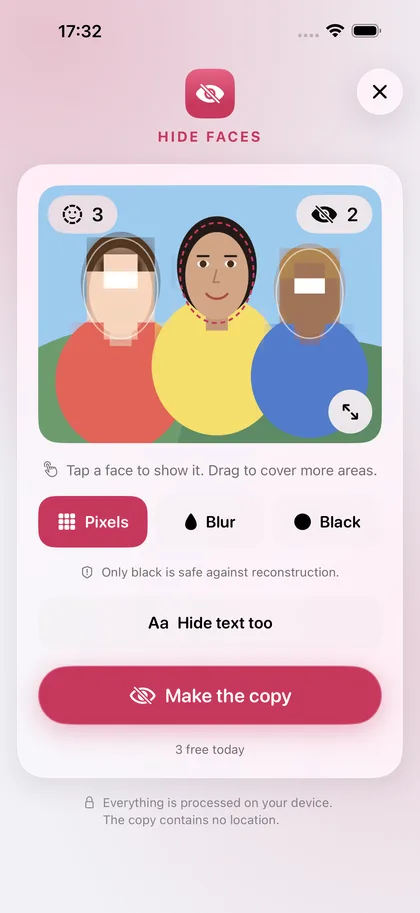
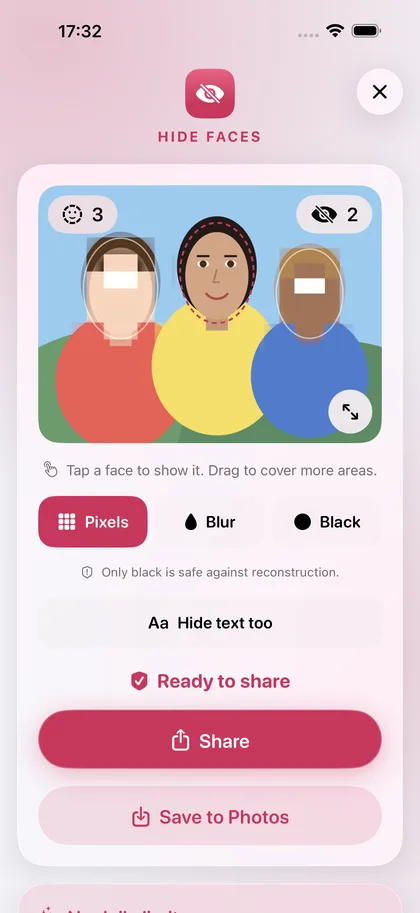
Not all parents have agreed to a group photo being published. Hide Faces covers all faces, and you make visible again only those whose consent you have.
For photos of crowds, blacking out is the safest choice, because software can partly reconstruct pixelated areas. The saved copy contains no location and no date.
On request, the app also detects and covers text. You mark any other areas yourself, in the full-screen view with zoom if you like.
€0
Three photos a day with all features.
The free version can be used without a time limit.
€2.99
No daily limit.
Pay once, use it for good. No subscription.
The app collects no data. Everything you open or create stays on your device until you share it yourself.
Photos: The photo you pick is analysed on the device with Apple's Vision framework. No picture and no face data leaves the device. A copy is saved to your library only when you tap Save.
Small, turned or partly covered faces can be missed. Drag across the photo to cover such areas yourself, and always check the result before sharing.
Strong pixelation and blur are enough for the eye, but software can partly reconstruct such areas. Only a solid black area is really safe.
Tap “Restore purchase” on the purchase card in the app. A one-time purchase is tied to your Apple account and does not have to be paid for again.