Classified ads
A photo taken at home contains your address as GPS coordinates. EXIF Cleaner shows these coordinates and removes them before the picture goes into a listing.

Photo & Video
iPhone & iPad
Every photo contains invisible extra data: where it was taken, accurate to a few metres, the date and time, the camera model and sometimes the owner's name. EXIF Cleaner shows you this data and removes it before you pass the photo on.
Free · one-time purchase “Albums” €2.99 · no subscription
Requires iOS 18.0
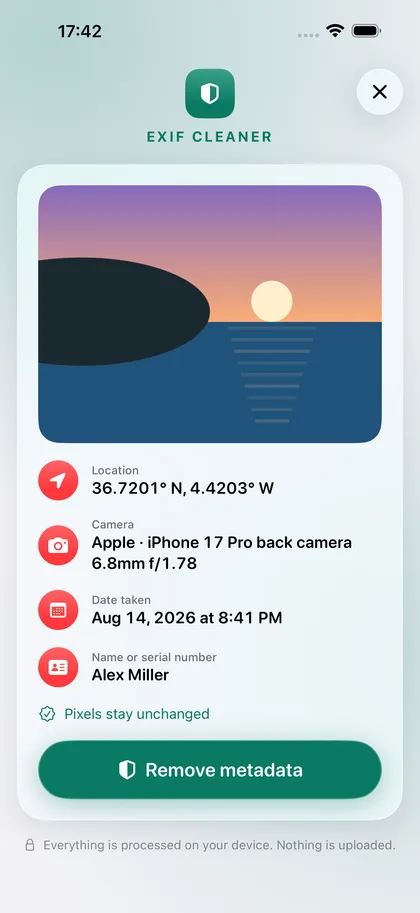
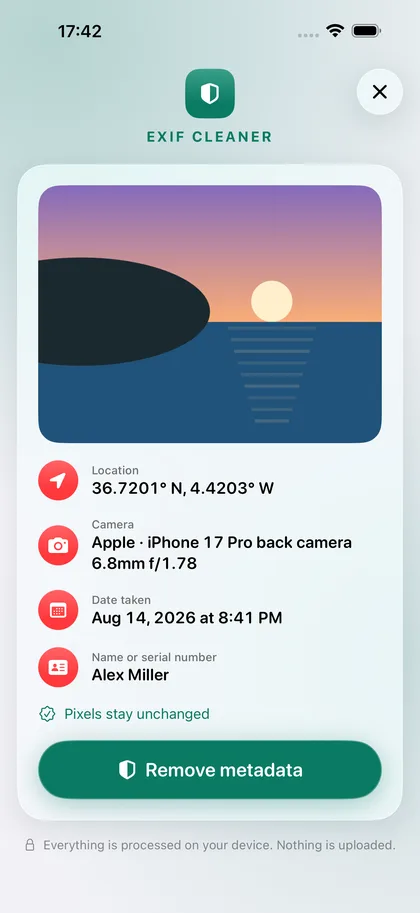
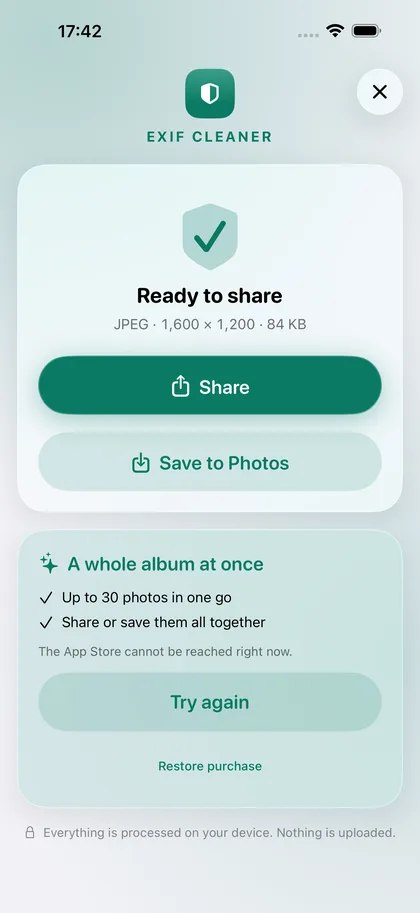
A photo taken at home contains your address as GPS coordinates. EXIF Cleaner shows these coordinates and removes them before the picture goes into a listing.
Where and when a photo was taken is nobody's business in a group chat or a forum. You pass on a clean copy, and the original in your library stays unchanged.
JPEG images are not recompressed. HEIC and PNG keep their format and colour space. After cleaning, the app checks whether any personal data is left.
€0
Clean single photos, as often as you like.
The free version can be used without a time limit.
€2.99
Clean up to 30 photos at once and share or save them together.
Pay once, use it for good. No subscription.
The app collects no data. Everything you open or create stays on your device until you share it yourself.
Photos: The photos you pick are read and cleaned on the device. A clean copy is saved to your library only when you tap Save. Your originals are never changed.
No. A JPEG image is not recompressed. HEIC and PNG are written again without visible loss, in the same format and colour space.
That is intentional. The app never changes an original. Share or save the clean copy, and delete the original in Photos if you wish.
Tap “Restore purchase” on the purchase card in the app. A one-time purchase is tied to your Apple account and does not have to be paid for again.